Floral Frame Wedding Card Theme: A Practical Guide to Editable Watercolor Designs
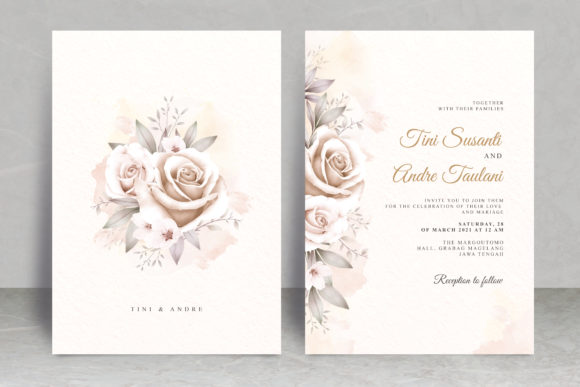
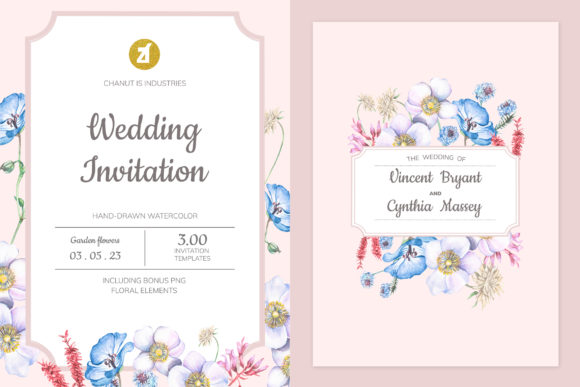
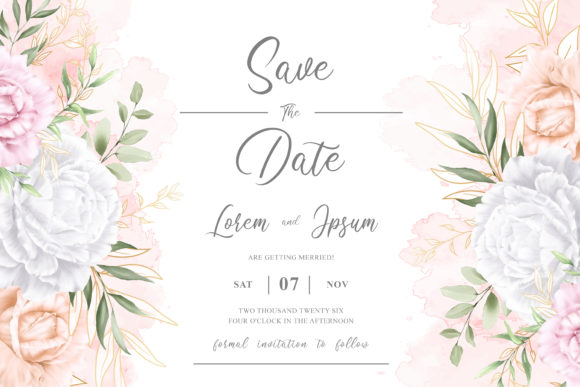
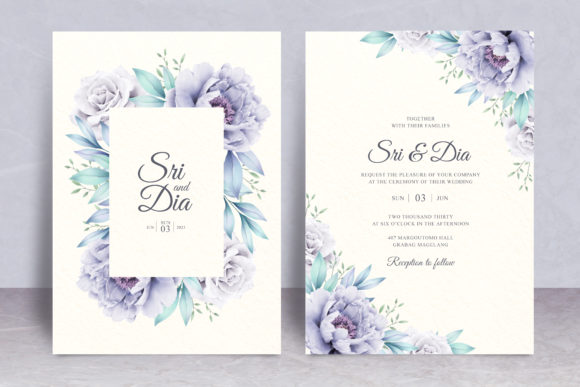
Selecting the right stationery sets the tone for your entire celebration, and the Floral Frame Wedding Card Theme remains a timeless choice for couples seeking elegance without excessive formality. This design style typically features soft watercolor botanicals arranged in a border or corner configuration, leaving ample negative space for typography. The appeal lies in its versatility; it bridges the gap between vintage romance and modern minimalism. However, many users encounter frustration not because the aesthetic is flawed, but because they misunderstand the technical requirements of editable templates. When you choose an editable floral frame watercolor wedding card theme, you are investing in flexibility, but only if you navigate the file formats and customization options correctly.
Understanding the Value of EPS Files in Wedding Stationery
A common oversight occurs when buyers focus solely on the visual preview and ignore the underlying file architecture. For a truly professional result, ensuring your download includes an EPS file is non-negotiable. While JPEG or PNG files are sufficient for social media announcements, they lack the vector data necessary for high-resolution printing. An EPS (Encapsulated PostScript) file contains vector paths that allow the floral elements to be resized infinitely without pixelation. If you attempt to stretch a raster-based watercolor frame to fit a larger invitation size, the edges will blur, and the print quality will suffer significantly.
Furthermore, EPS files preserve layer separation in compatible software like Adobe Illustrator or Affinity Designer. This distinction matters because it allows you to adjust the opacity of the watercolor washes or rearrange individual stems without affecting the text layer. Many beginners assume all "editable" files offer this level of control, but some sellers provide flattened PDFs labeled as editable simply because you can type over them. Always verify that the Floral Frame Wedding Card Theme explicitly lists EPS inclusion before purchasing to ensure you have genuine creative freedom rather than just a digital overlay.
Navigating Typography and Free Font Limitations
Typography often makes or breaks a watercolor design, yet it is where most customization errors happen. The promise of "Customizable Text Color Only free font used" is a significant advantage for budget-conscious creators, but it requires careful verification. Some templates link to fonts that were free at the time of creation but have since become paid licenses, or they use personal-use-only fonts that legally cannot be used for commercial projects if you are a designer creating cards for clients.
Before finalizing your design, audit the font list included in the template documentation. Ensure the specified typefaces are currently available through reputable open-source repositories like Google Fonts or DaFont’s public domain section. Relying on obscure font sources can lead to broken links or security risks. Additionally, understand that while the text color is fully customizable, changing the font family itself may require adjusting kerning and line height. Watercolor frames are often organic and asymmetrical; a script font that worked perfectly in the designer’s mockup might look cramped or unbalanced with your specific wording. Test your chosen free font at actual print size on screen before committing to ink.
Avoiding Color Calibration Disasters
Watercolor aesthetics rely heavily on subtle gradients and transparency, making color management critical. A frequent mistake is editing text colors exclusively in RGB mode because it looks vibrant on a backlit monitor. Printers operate in CMYK, and certain bright digital blues or greens cannot be reproduced accurately with standard ink. When customizing your Floral Frame Wedding Card Theme, convert your workspace to CMYK early in the process. This ensures the text color you select harmonizes with the printed florals rather than clashing due to gamut shifts.
Also, consider the paper stock interaction. Watercolor designs often assume a white background. If you plan to print on cream, ivory, or textured cardstock, the perceived color of both the frame and your customized text will shift. Darker text colors generally translate better across different paper tones than pastels. Request a physical proof or test print on your intended paper before ordering a full batch to confirm that the editable text color maintains adequate contrast against the watercolor backdrop.
Evaluating Usability for Non-Designers
The term "Easy to Use" is subjective and often misinterpreted. For professionals, easy might mean clean vector layers and organized artboards. For beginners, it usually implies drag-and-drop functionality in Canva or Photoshop. Misaligning your skill level with the file type leads to wasted time and money. If you do not own or know how to use vector editing software, an EPS-heavy Floral Frame Wedding Card Theme may be too complex despite its quality.
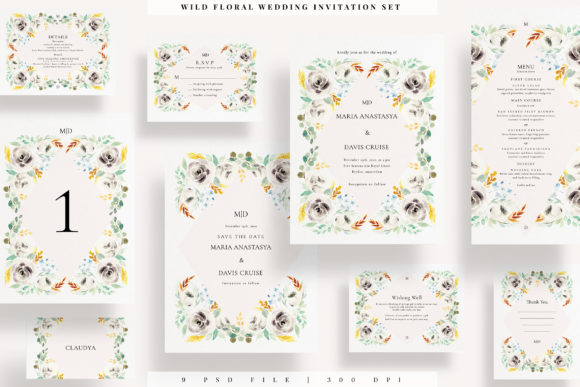
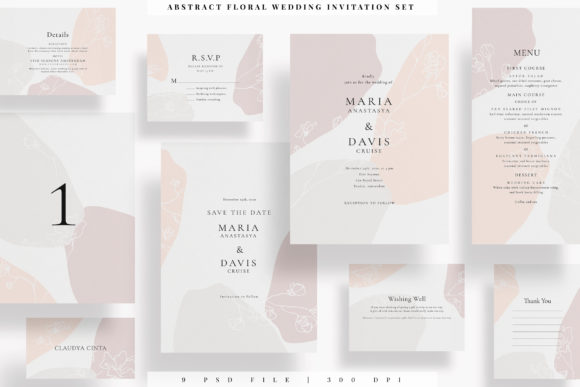
Conversely, experienced designers should avoid templates marketed as "beginner-friendly" if they lack structural integrity. Over-simplified templates often group elements permanently or rasterize effects to make them easier for novices, which restricts advanced customization. Read the product description critically. Look for specifics regarding software compatibility and layer organization. A truly useful template provides a balance: accessible enough for quick edits but robust enough for professional refinement. If the seller does not specify which software is required to edit the EPS or customize the text color effectively, ask before buying. Assumption is the enemy of efficiency in digital design.
Checking Licensing and Commercial Rights
For entrepreneurs, freelancers, and small business owners offering stationery services, licensing is a practical concern that directly impacts profitability and legality. Just because a Floral Frame Wedding Card Theme uses free fonts and includes editable EPS files does not automatically grant commercial usage rights for the artwork itself. Some creators permit personal use only, requiring a separate extended license for client work. Overlooking this detail can result in copyright infringement claims or the need to redesign projects mid-stream.
Always locate the license file within the download package. Verify whether the watercolor elements are original creations by the seller or sourced from third-party libraries. If they are sourced, check if the original artist allows redistribution in editable template form. Ethical and legal compliance protects your reputation and ensures your business remains sustainable. When in doubt, prioritize themes where the creator explicitly states commercial terms in plain language rather than burying them in legalese.
Making Informed Decisions Before Download
Satisfaction with digital assets correlates strongly with pre-purchase research. Before adding a Floral Frame Wedding Card Theme to your cart, assess your specific needs against the product features. Do you need landscape and portrait orientations? Does the watercolor style match your venue’s season and lighting? Is the text area large enough for your ceremony details, or will you need to create separate information cards?
Review user feedback specifically mentioning editability and print results. Comments about "colors looking different" or "fonts missing" are valuable diagnostic tools. Remember that a higher price point often reflects better file organization, customer support, and comprehensive licensing rather than just superior artwork. Investing slightly more upfront in a well-structured, EPS-inclusive template with verified free fonts saves hours of troubleshooting later. Approach your selection with a checklist of technical and aesthetic requirements, and you will secure a design asset that enhances rather than complicates your wedding planning or creative workflow.